YAML vs JSON: The Ultimate Guide for New Developers
YAML vs JSON: A Detailed Comparison
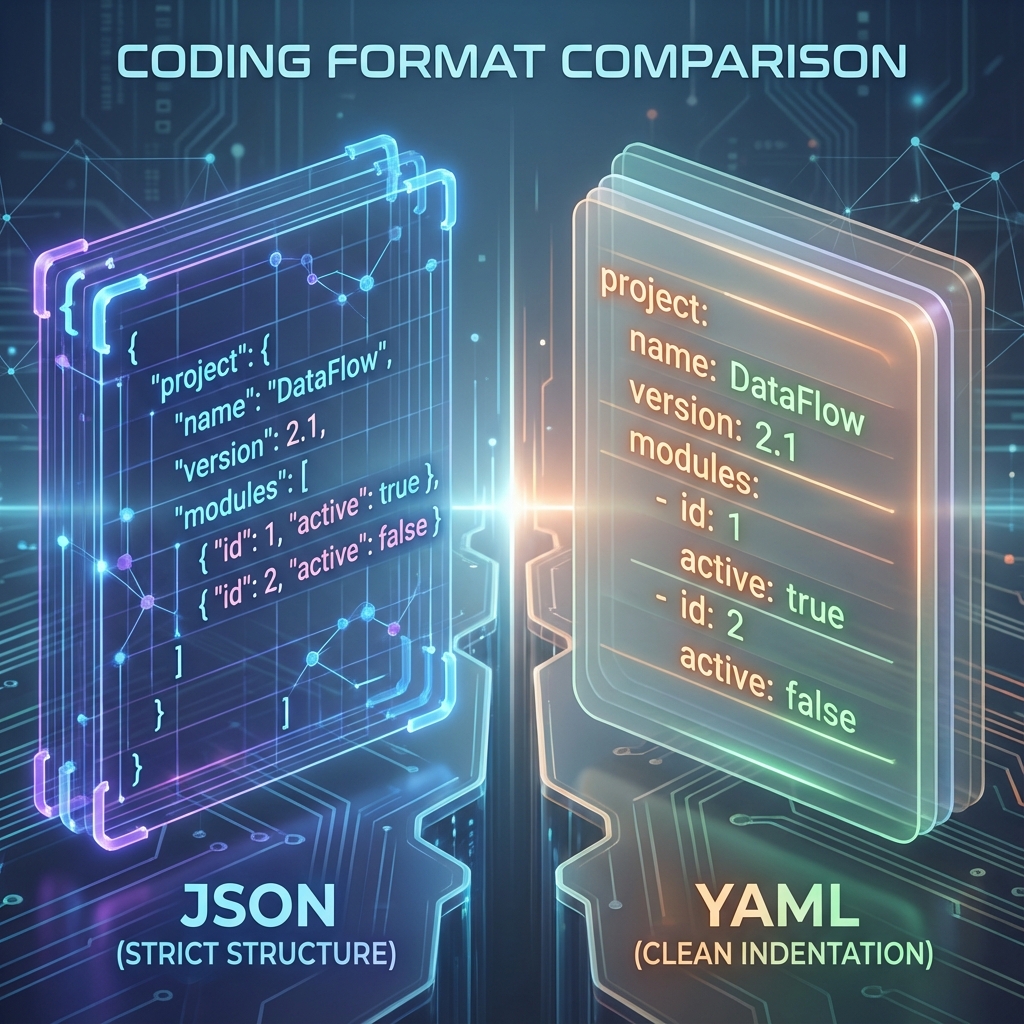
Developers often ask: "Should I use YAML or JSON for my configuration files?" The answer is rarely black and white.
As an intern or junior developer, you will constantly run into files ending in .json and .yaml (or .yml). They are both used to store data, but they feel very different.
This guide will break down the differences, show you side-by-side examples, and help you decide which one to use.
The High-Level Difference
- JSON (JavaScript Object Notation): Built for machines. It is strict, verbose, and meant for data exchange (APIs).
- YAML (YAML Ain't Markup Language): Built for humans. It is clean, readable, and meant for configuration (Docker, Kubernetes).
Side-by-Side Comparison
Let's look at the exact same data describing a user profile in both formats.
JSON Example
Notice the curly braces {}, quotes "", and commas ,.
{
  "name": "Alex",
  "age": 25,
  "roles": ["intern", "developer"],
  "address": {
    "city": "New York",
    "zip": "10001"
  }
}
YAML Example
Notice the lack of braces and quotes. Whitespace (indentation) does all the work.
name: Alex
age: 25
roles:
  - intern
  - developer
address:
  city: New York
  zip: '10001'
Key Differences
1. Comments
- JSON: No comments allowed. This makes it hard to leave notes for other developers.
- YAML: Supports comments using
#.
# This is a comment in YAML
port: 8080 # This sets the server port
2. Syntax Strictness
- JSON: Extremely strict. Forget a comma? Syntax error. Use single quotes? Syntax error.
- YAML: Strict about indentation. If you mix tabs and spaces, your file will break.
3. Data Types
Both support strings, numbers, arrays, and booleans.
- JSON: Only supports standard data types.
- YAML: Supports complex features like anchors (variables) and references, allowing you to reuse chunks of code (common in
docker-compose).
When to Use Which?
| Use Case | Recommended Format | Why? |
|---|---|---|
| APIs | JSON | It's the standard for web APIs. Fast to parse for browsers. |
| Config Files | YAML | Easier to read and edit manually. Supports comments. |
| Logs | JSON | Machines can search and filter JSON logs easily. |
Converting Between The Two
Since they represent the same data, you can easily convert one to the other.
- Need to turn a config file into an API payload? 👉 YAML to JSON Converter
- Need to read a minified API response? 👉 JSON to YAML Converter
Summary
- Use JSON when machines are talking to machines (APIs).
- Use YAML when humans are talking to machines (Configuration).
- Be careful with Indentation in YAML and Commas in JSON.
Still confused? Copy your file into our Validator Tool and see if it's valid!