YAML Demystified: The Config Language of the Web
YAML Demystified: Understanding YAML: The Language of Configuration
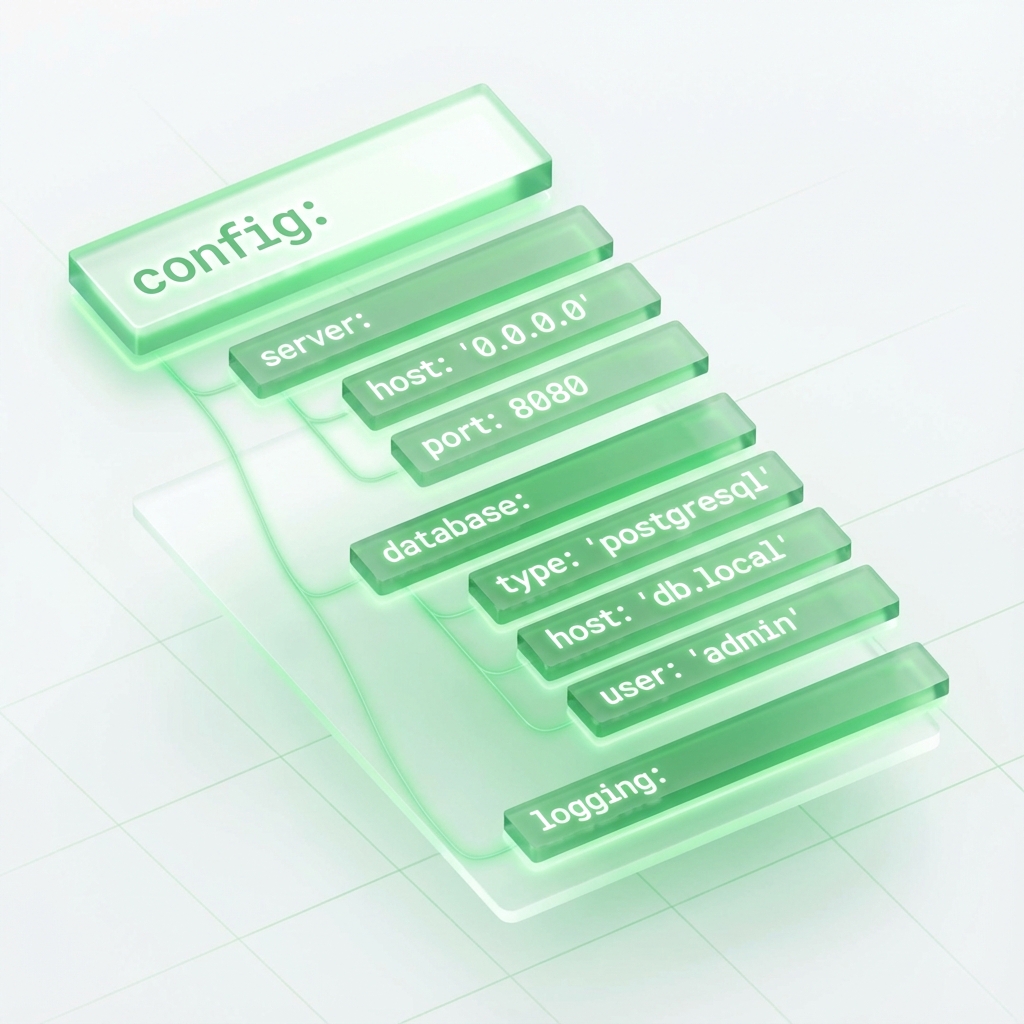
YAML (YAML Ain't Markup Language) is a human-readable data serialization standard that is often used for configuration files. From Kubernetes manifests to GitHub Actions and Docker Compose, it is everywhere.
But unlike JSON, YAML is dangerously sensitive. A single wrong space can break your entire deployment.
The Golden Rule: Indentation
In JSON, whitespace doesn't matter. In YAML, whitespace is structure.
# Good ✅
server:
  port: 8080
  host: localhost

# Bad ❌ (Mixed tabs and spaces will crash parsers)
server:
	port: 8080
Tip: Never use tabs in YAML. Always use spaces (usually 2 per level).
Dealing with Lists and Objects
YAML shines in its readability. You don't need braces {} or brackets [], though you technically can use them.
Lists
features:
  - formatting
  - validation
  - conversion
Dictionaries (Objects)
app:
  name: "My App"
  version: 1.0.0
Tools to Save Your Sanity
Because YAML is so fragile regarding whitespace, you should never write it without safety nets.
1. The Formatter
The most common issue is uneven indentation. The YAML Formatter will re-align your file to a standard 2-space structure automatically. 👉 Use the YAML Formatter
2. Validator & "Tab Fixer"
Accidentally hit Tab instead of Space? The Smart Validator will detect this common error and offers an Auto-Fix to replace tabs with spaces instantly.
👉 Try the Smart Validator
3. Converting to/from JSON
Sometimes you need to send a config to an API that only accepts JSON. Don't rewrite it manually. 👉 Convert YAML to JSON 👉 Convert JSON to YAML
Summary
YAML is powerful because it is minimal. But that minimalism comes at the cost of strictness. Use the right tools to ensure your config files are valid before you commit them.