Dockerfile vs Docker Compose: What
Dockerfile vs Docker Compose
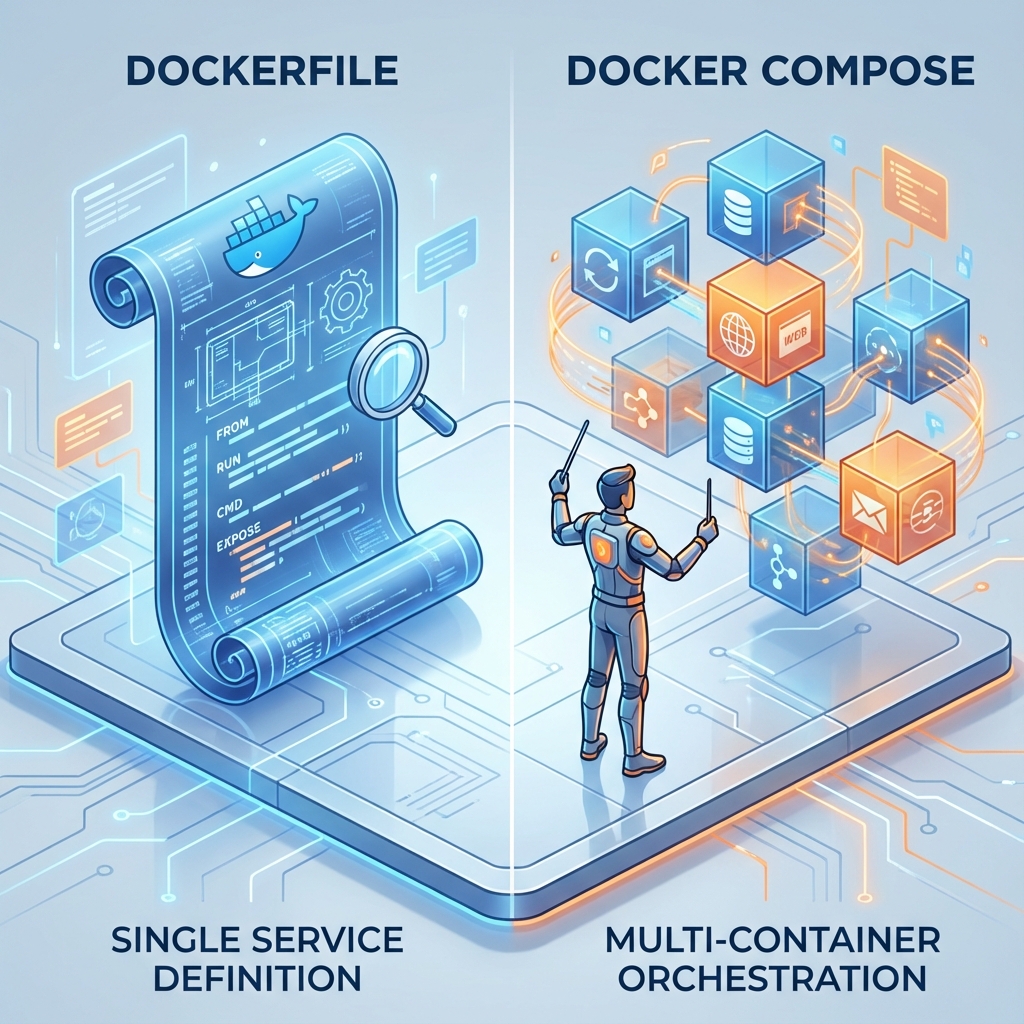
If you're new to Docker, you might be confused about when to use a Dockerfile and when to use docker-compose.yml. While they both relate to running containers, they serve very different purposes.
The Short Answer
- Dockerfile: A blueprint for building a single image. It describes what is inside the container (OS, libraries, code).
- Docker Compose: A tool for defining and running multi-container applications. It describes how to run containers (ports, networks, volumes).
Dockerfile: The Recipe
A Dockerfile is a text document that contains all the commands a user could call on the command line to assemble an image.
Example Dockerfile:
# Start from a base image
FROM node:18-alpine

# Set working directory
WORKDIR /app

# Copy package files
COPY package*.json ./

# Install dependencies
RUN npm install

# Copy source code
COPY . .

# Expose port
EXPOSE 3000

# Start command
CMD ["npm", "start"]
Docker Compose: The Orchestrator
docker-compose.yml is a YAML file used to define services, networks, and volumes. It allows you to spin up your entire application stack (frontend, backend, database) with a single command: docker-compose up.
Example docker-compose.yml:
version: '3.8'
services:
  # Service 1: The App
  web:
    build: .             # Build using the Dockerfile in current dir
    ports:
      - "3000:3000"
    environment:
      - NODE_ENV=development
    depends_on:
      - db

  # Service 2: The Database
  db:
    image: postgres:15
    environment:
      POSTGRES_PASSWORD: mysecretpassword
    volumes:
      - postgres_data:/var/lib/postgresql/data

volumes:
  postgres_data:
Key Differences
| Feature | Dockerfile | Docker Compose |
|---|---|---|
| Purpose | Build an image | Run containers |
| Scope | Single Service | Multi-Service Stack |
| Command | docker build | docker-compose up |
| Output | A Docker Image | Running Containers |
When to Use Which?
Use a Dockerfile when:
- You need to create a custom image for your application.
- You need to install specific system dependencies.
Use Docker Compose when:
- You want to run your application locally without typing long
docker runcommands. - You have multiple services (e.g., App + Database + Redis).
- You want to persist data using volumes easily.
Conclusion
In most modern workflows, you will use both. You use a Dockerfile to define your application's environment, and docker-compose.yml to run that application alongside its dependencies.